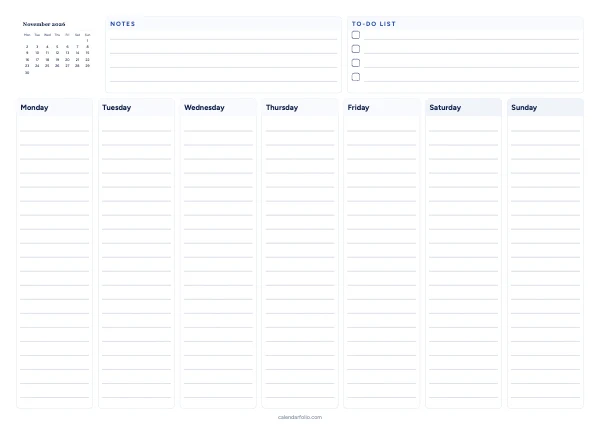
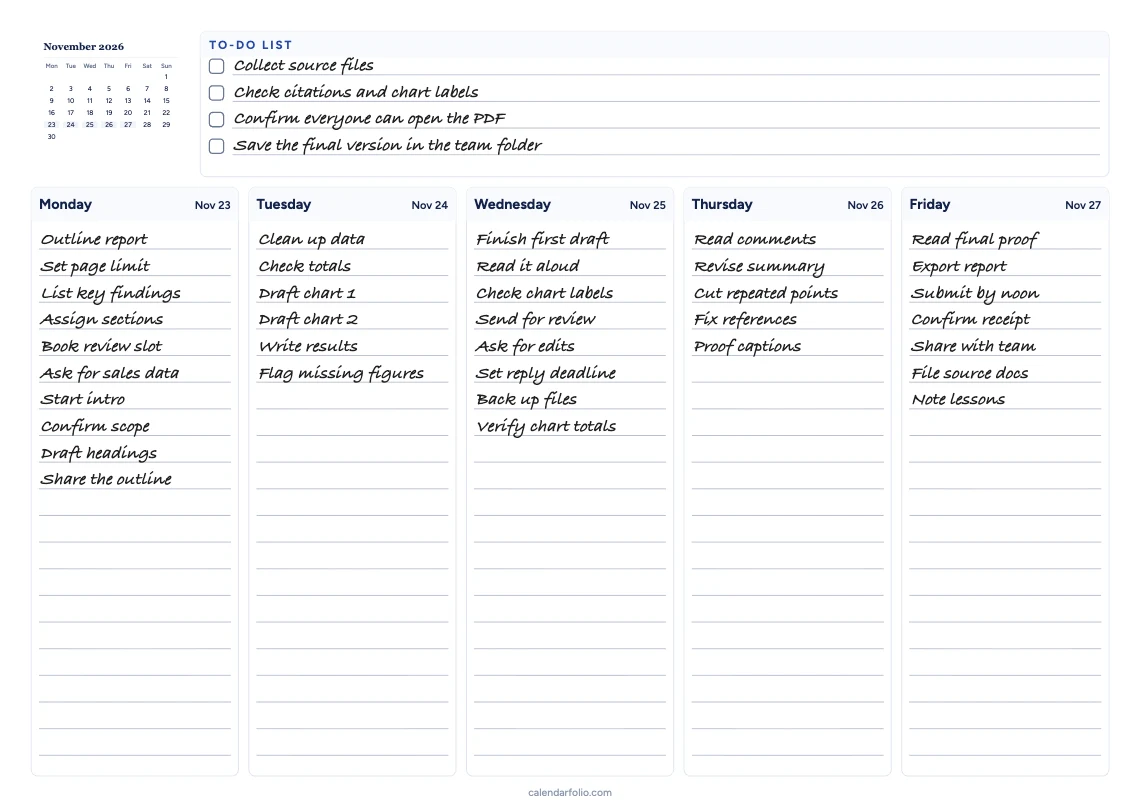
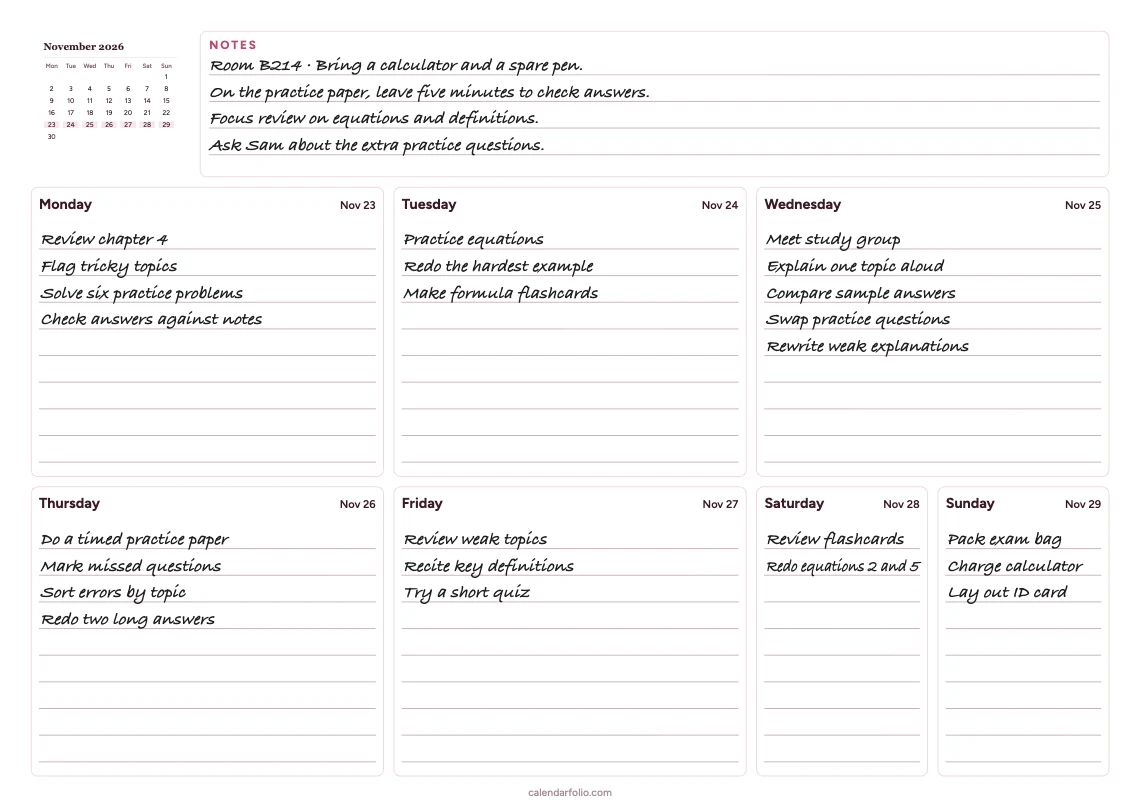
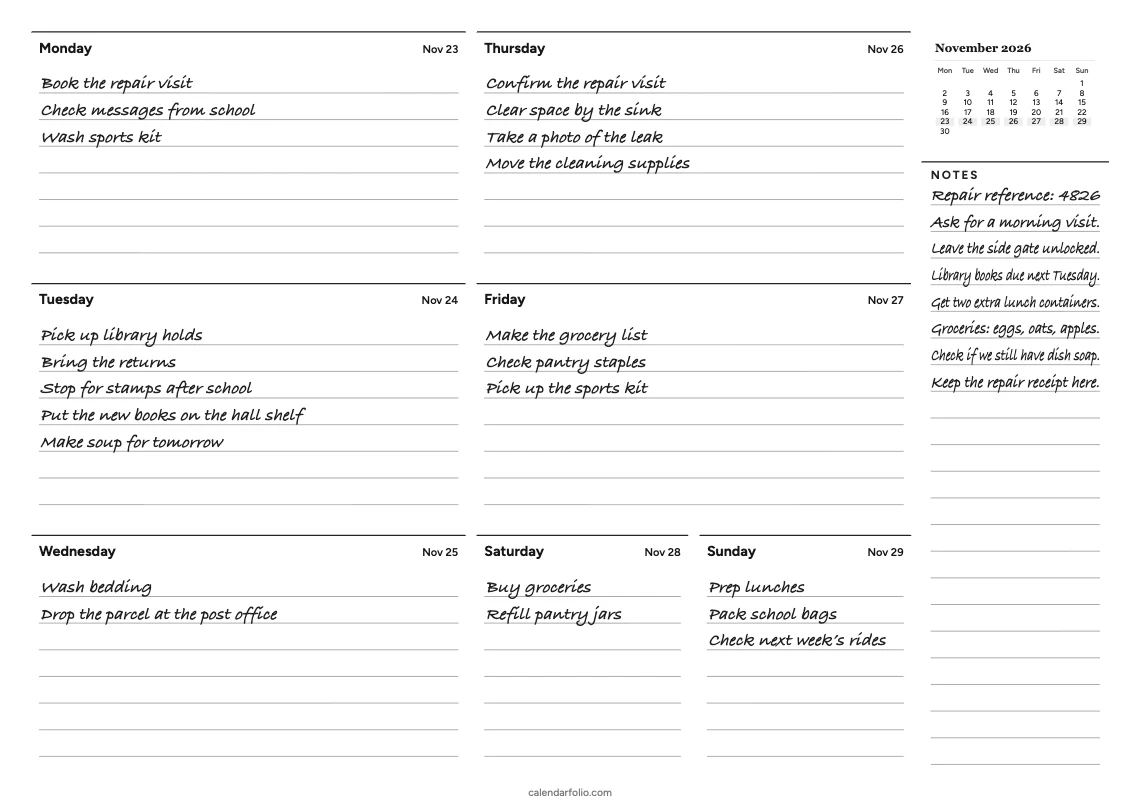
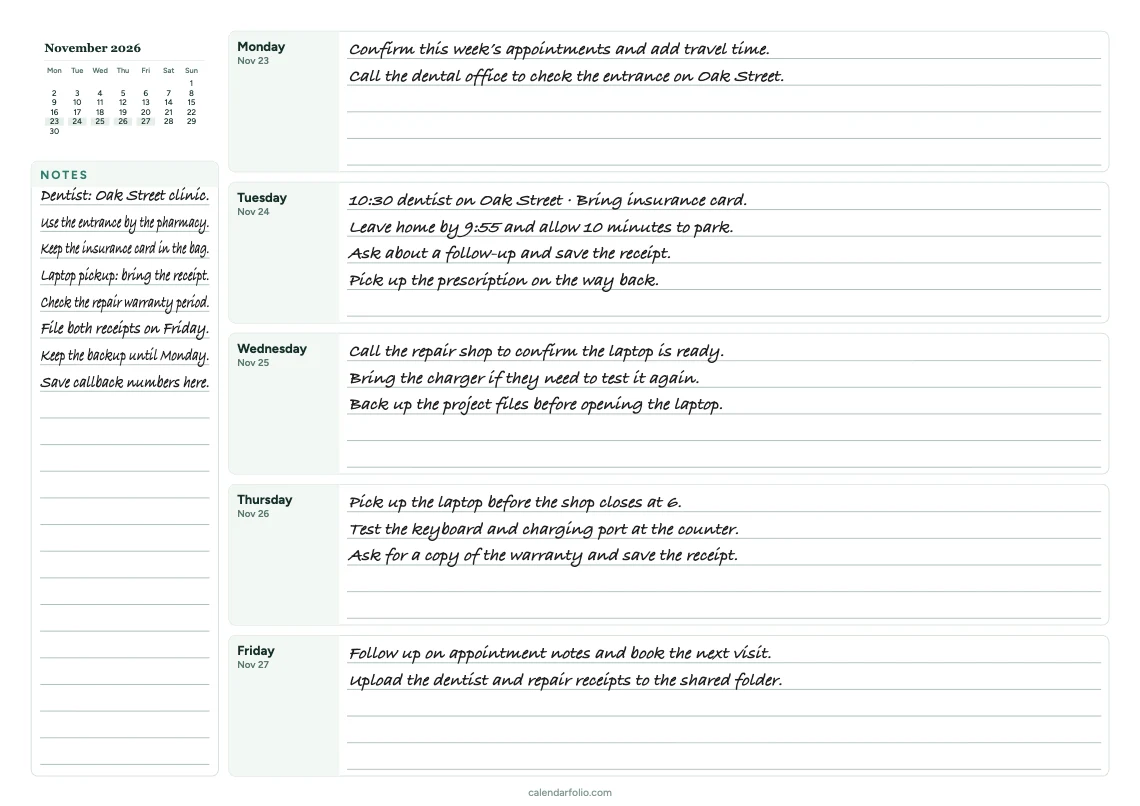
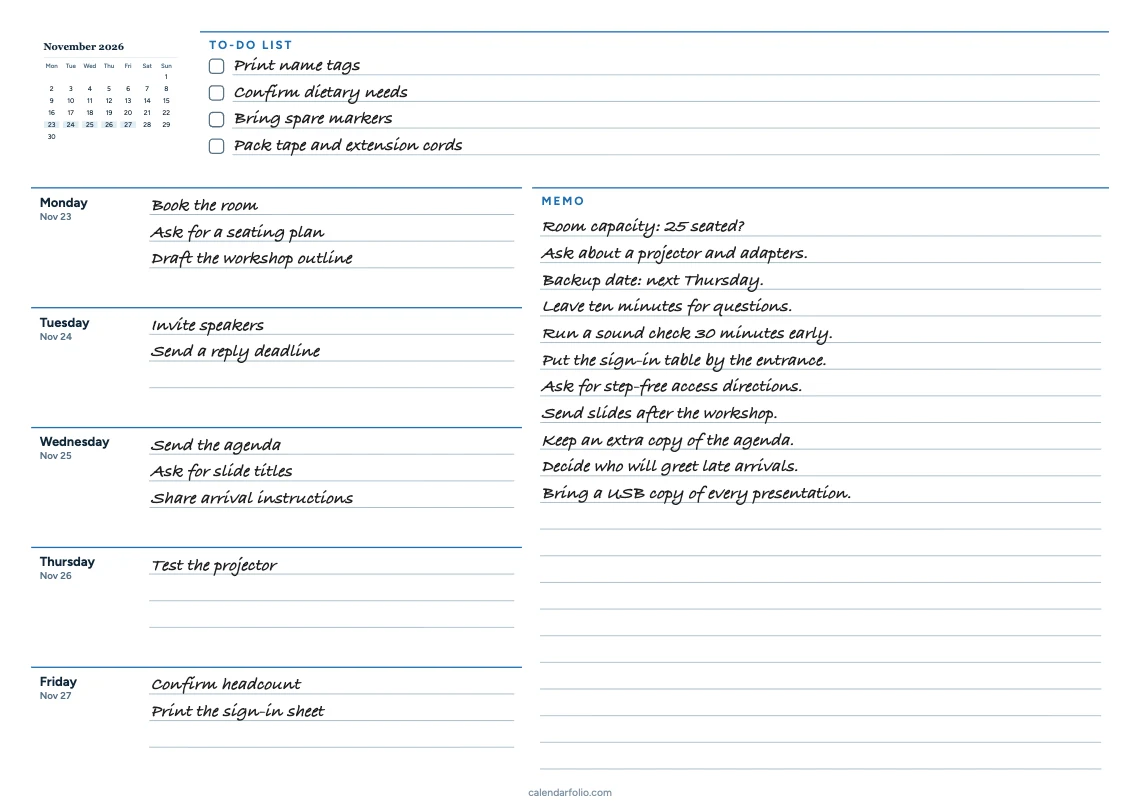
Plan your week with open writing space. Download a printable PDF or PNG.
Weekly planner FAQ
Can I print a planner without dates?
Yes. Leave Show dates set to No for a reusable page. You can still show the mini calendar for a month of your choice, or turn it off in Layout.
What is the difference between Compact weekend and Workweek?
Compact weekend keeps Saturday and Sunday with less writing space. Workweek displays Monday through Friday. Both start on Monday. Choose Full week if you want to start on Sunday.
Can I put a checklist below the mini calendar?
In Layout, select Mini calendar and To-do list, clear Notes, then choose a left or right sidebar. Mini calendar position decides which top corner the calendar and its checklist use.
Which file should I download for printing?
Choose PDF, select the size of the paper you will print on, and use landscape orientation. Choose PNG if you want to insert the planner as an image in a digital notebook.
What if I need to schedule appointments by the hour?
Use the Hourly Weekly Planner for a printed time scale or for time blocking. You can also write a start time alongside a task on any of these open layouts.
How do I leave space for hole punching?
In Export, choose a Binding edge to leave an extra margin on that side. Check the preview before downloading.