Printable Weekly Hourly Planner

Use a weekly hourly schedule template to map out classes, meetings or focus blocks and see where you still have time. Choose a five- or seven-day layout, set your hours, and download a free PDF or PNG.

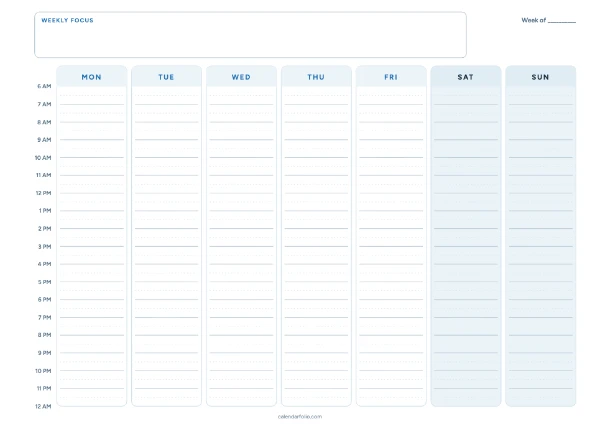
Weekly hourly schedule preview
Landscape · 6 AM – 12 AM (next day) · 30-minute guides

Customize

Choose a template
Time grid
Calendar and dates

Printable weekly schedules for work, time blocking, and study

Choose a template for the way you plan, adjust its settings, then download a printable PDF or a PNG.

Weekly Hourly Schedule

Best if you plan in 30-minute increments. Use the shared time axis and half-hour lines to fit focused work around fixed appointments.

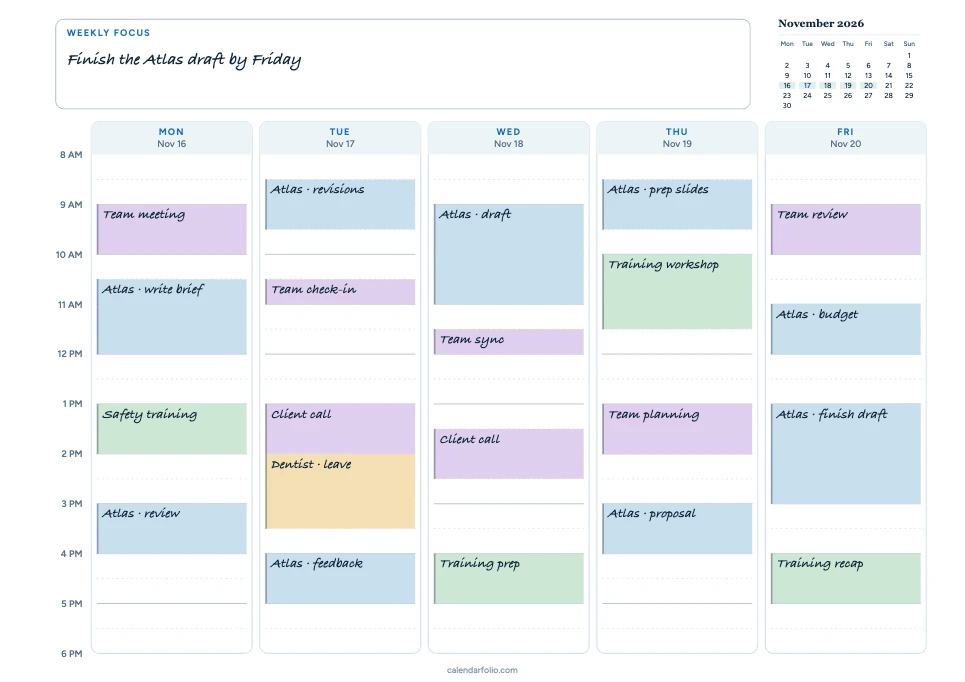
Example: An 8 AM–6 PM workweek

In this weekly hourly schedule template, write “Finish the Atlas draft by Friday” in Weekly Focus. Put fixed meetings and training on the half-hour grid first. Then block time for Project Atlas around them. On Tuesday, the 10:30 check-in ends at 11:00, leaving an open stretch before the 1:00 client call. Mark the 2:00 dentist appointment as personal leave so it counts as time away from work.

Try this: Write one clear task in each focus block. For an 11:00 block, you could spend 25 minutes reviewing the Atlas draft and five minutes noting what to do next. Leave the next half-hour open if the review might run over.

  • Project Atlas
  • Meetings
  • Training
  • Personal leave

Customize this hourly schedule

Printable weekly hourly planner with handwritten, color-coded meetings, project work and training from 8 AM to 6 PM
Monday–Friday, 8 AM–6 PM. Project work, fixed meetings, training, and time away from work.

Hourly Time Blocking

Best for planning focus time, study, or exercise. This weekly time blocking template prints hours beside each day, so you can draw blocks wherever they fit.

Example: Fit training around work

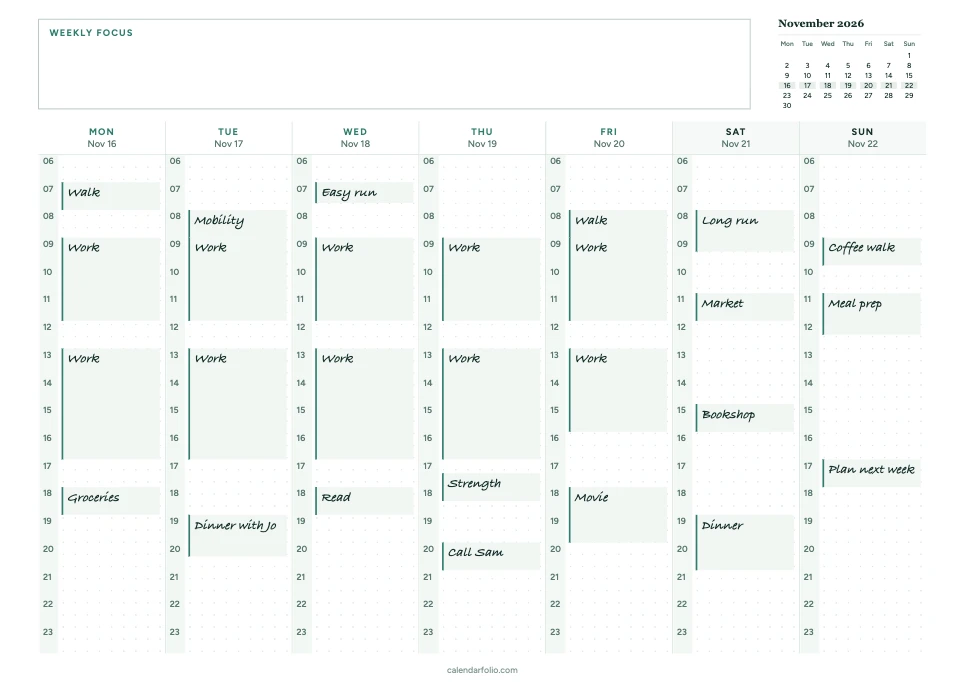
Use the hour numbers beside each day to draw blocks around two- or three-hour focus sessions. Try blue for focused work, green for exercise, and amber for admin so you can scan the week by activity.

In the example, Wednesday has a short run before work, and Saturday has a longer block for training.

Customize this time blocking template

Printable weekly planner for time blocking with handwritten work hours and running workouts across seven days
Work, workouts, and weekend plans on one sheet.

Weekly Schedule with Blank Time Blocks

Best when shifts or classes start at different times each day. Each box has room for a different start and end time.

Example: Classes with different start times

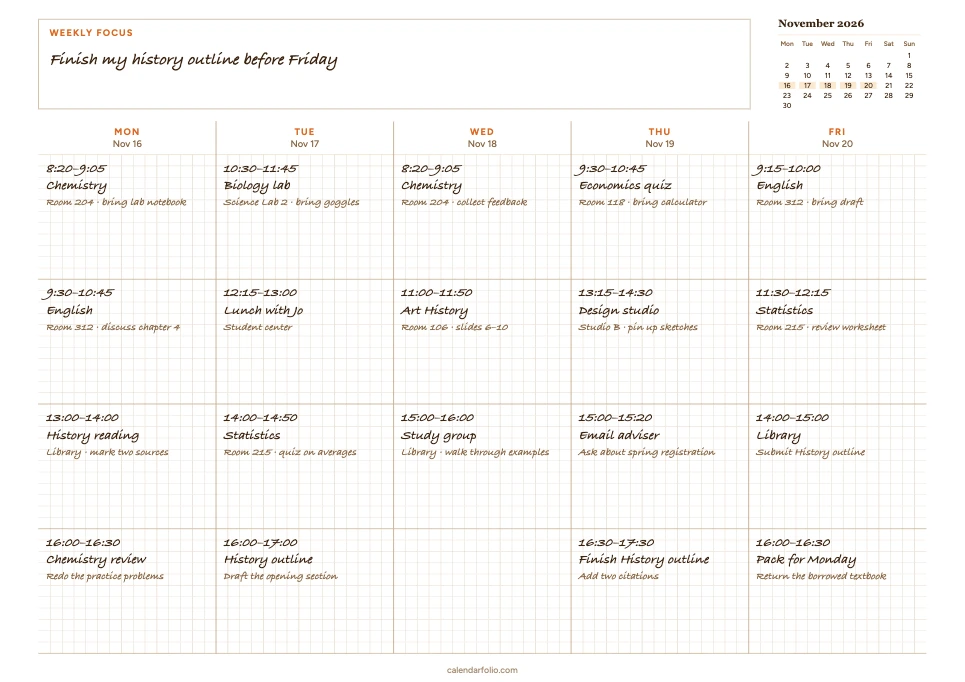
Write the exact start and end time at the top of each box, then add the class, shift, or appointment underneath. A room number, location, or client name can go on the next line.

In the example, Monday starts with chemistry at 8:20. Tuesday starts with a lab at 10:30. Each day can have its own sequence.

Customize these blank time blocks

Printable weekly planner with blank time blocks, filled by hand with different class times and room numbers each day
A class week with different start times each day.

Weekly Schedule with a Shared Time Column

Best for recurring routines or a fixed class timetable. Each row shares the same time range across the week.

Example: A class timetable with shared periods

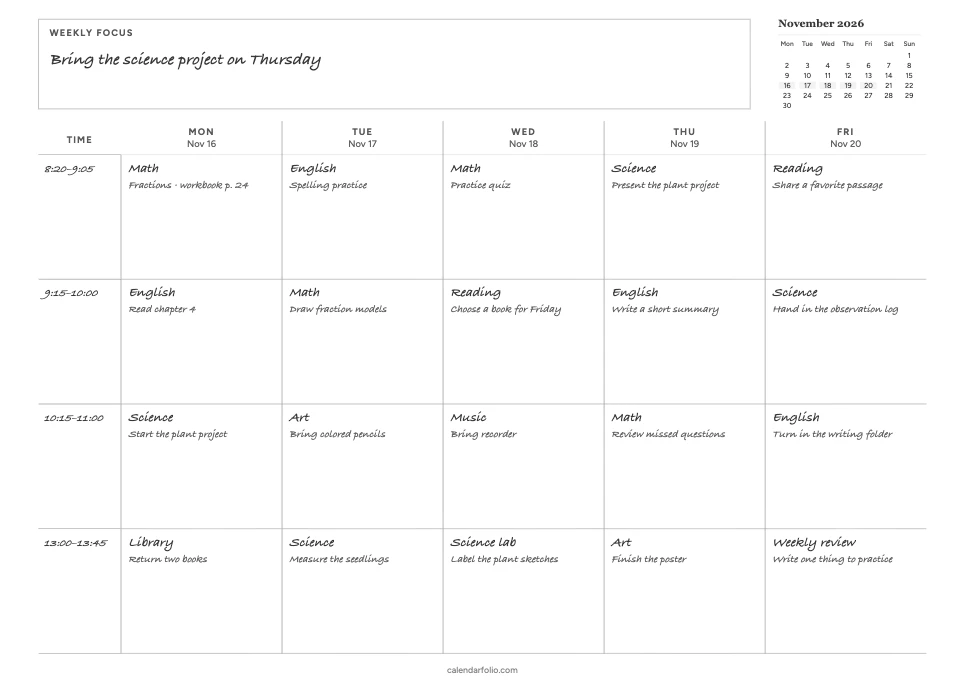
Use this layout as a weekly study schedule template when class periods repeat. Write each recurring time range once in the Time column, then add the subject or activity in each day’s box. The same method works for homeschool periods or regular work sessions.

In the example, the 9:15–10:00 period is English on Monday and Math on Tuesday. The time range only needs to be written once.

Customize this shared time column

Printable weekly planner with a shared time column and handwritten subjects and homework notes
Four shared class periods across the workweek.

What can I use alongside this schedule?

How do I plan around deadlines and appointments?

Mark due dates and appointments on a monthly calendar. When planning the week, copy over the ones that are coming up and block out the time you need to prepare.

Where do I put tasks that have no set time yet?

Use the Week with To-Do List template to collect them. Move the tasks that need a specific time into your hourly schedule once you know where they fit.