Landscape Weekly Planner Generator

Plan your week with open writing space. Download a printable PDF or PNG.

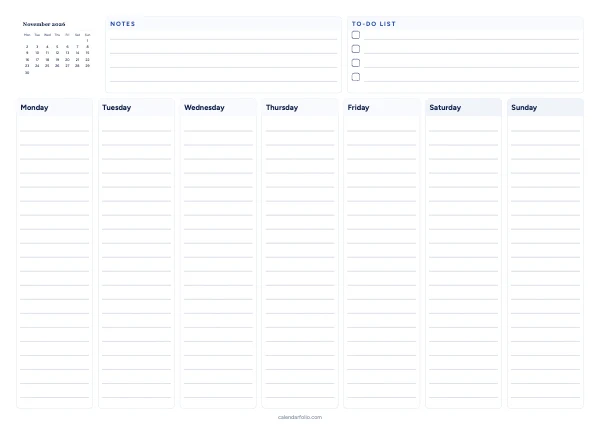
Blank landscape weekly planner with one lined column per day, a mini calendar, notes and a checklist

Customize

Loading preview…

How to use the weekly planner

  1. Pick a template and week coverage. Choose a full week, a compact weekend, or Monday–Friday only. For a dated planner, pick the month, turn on Show dates, then select a week.
  2. Set up your writing space. In Style, choose a theme and writing background. In Layout, add any sections you want to use and check how much room is left for each day.
  3. Download your planner. Under Export, choose a PDF and paper size for printing, or a PNG to use as an image in a digital journal.

Which weekly planner template should I use?

One Column per Day

Use this for short tasks you want to scan across the week. Put the deadline in its day column first, then work backward and give each step a day.

Try the project deadline setup

Example: A Friday project deadline

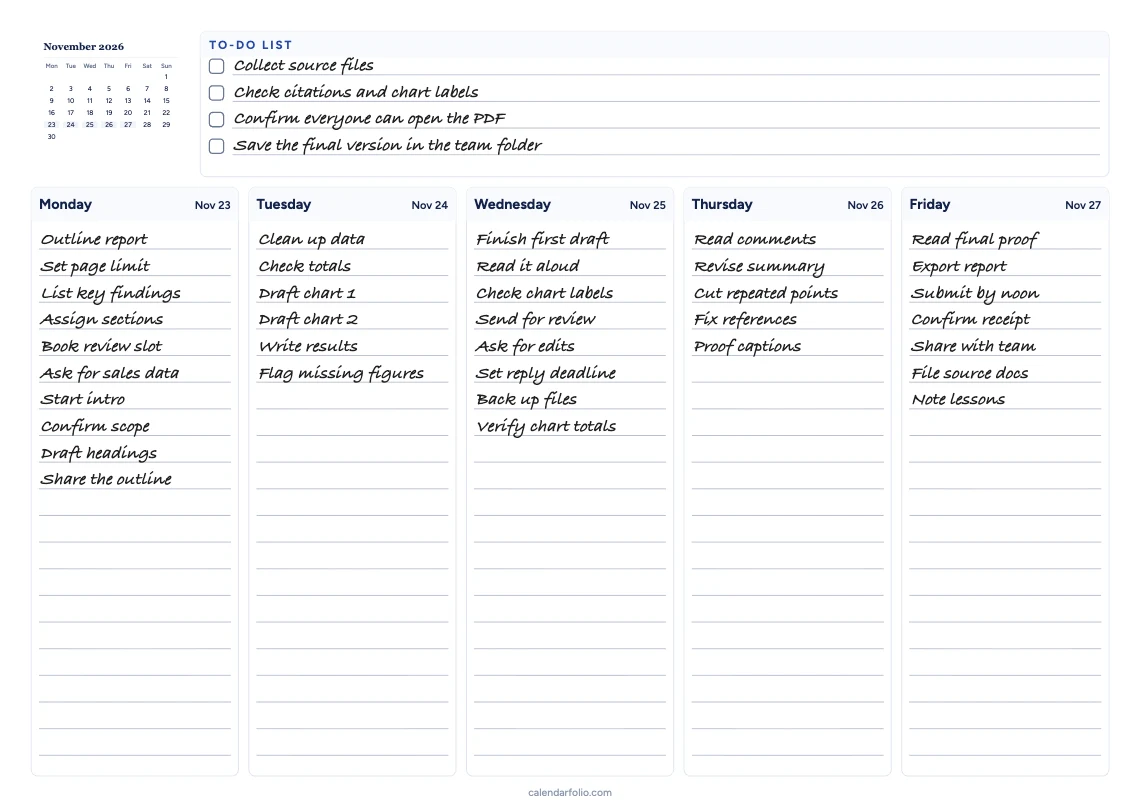
Filled weekly planner with report tasks from Monday through Friday and a shared checklist above the day columns.

Outline Monday, send the draft Wednesday, and submit Friday. Use the top checklist for tasks with flexible dates.

Day Boxes in Two Rows

Use this for weeks with one main commitment per day. Start each box with that commitment, then add the one or two things you need to get it done.

Try the study week setup

Example: A week of exam prep

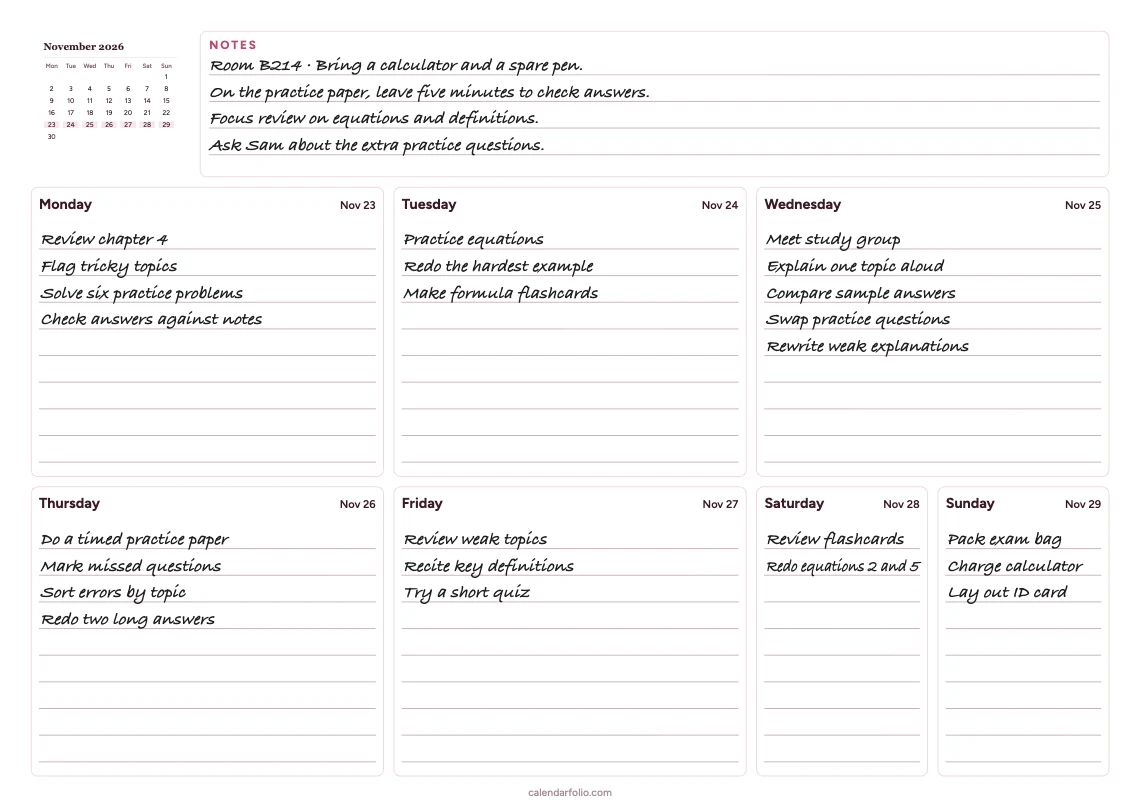
Filled two-row weekly planner showing longer study tasks on weekdays and flashcards and exam prep in compact weekend boxes.

Give each workday a study task. Use the smaller weekend boxes for flashcards and getting ready.

Day Blocks in Two Columns

Use this when a reminder needs a second line. Put the task first and the detail underneath. The wider blocks give you room for both, even if you have several errands on the same day.

Try the household planning setup

Example: A week of household plans

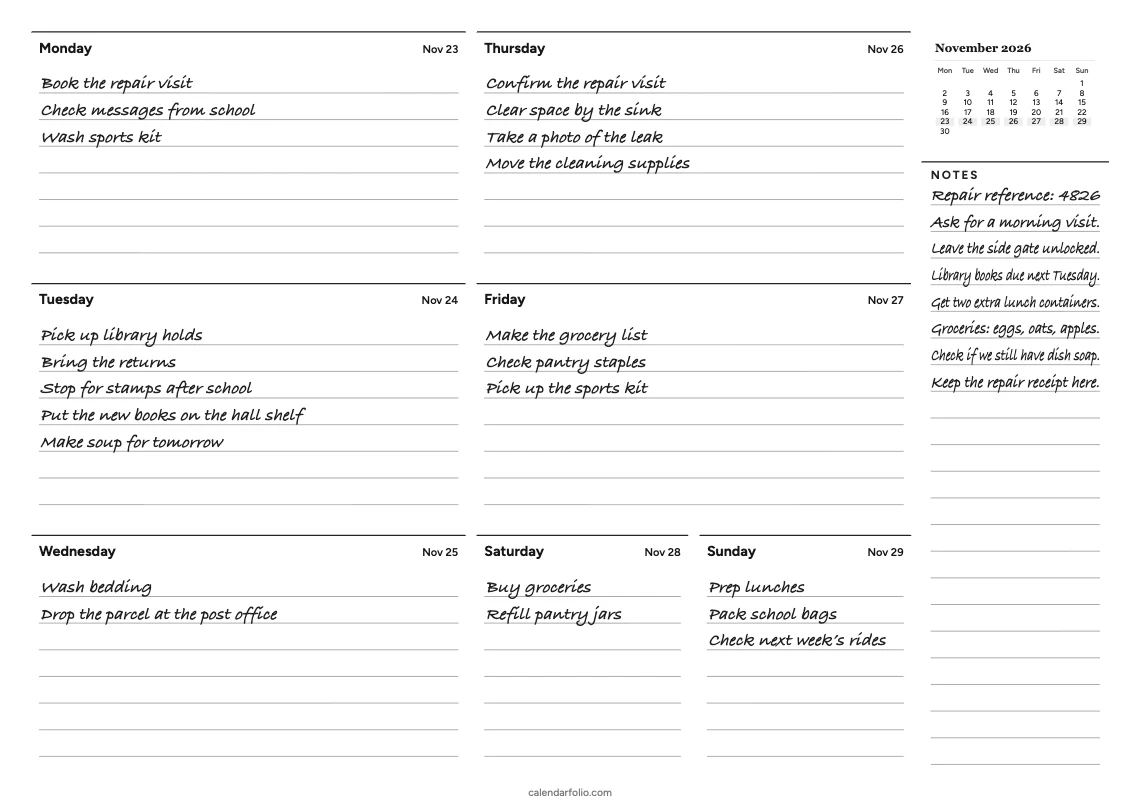
Filled two-column weekly planner with household errands and a repair reference in a right sidebar under the mini calendar.

Keep errands with their days and put the repair reference where the whole household can find it.

Full-Width Day Rows

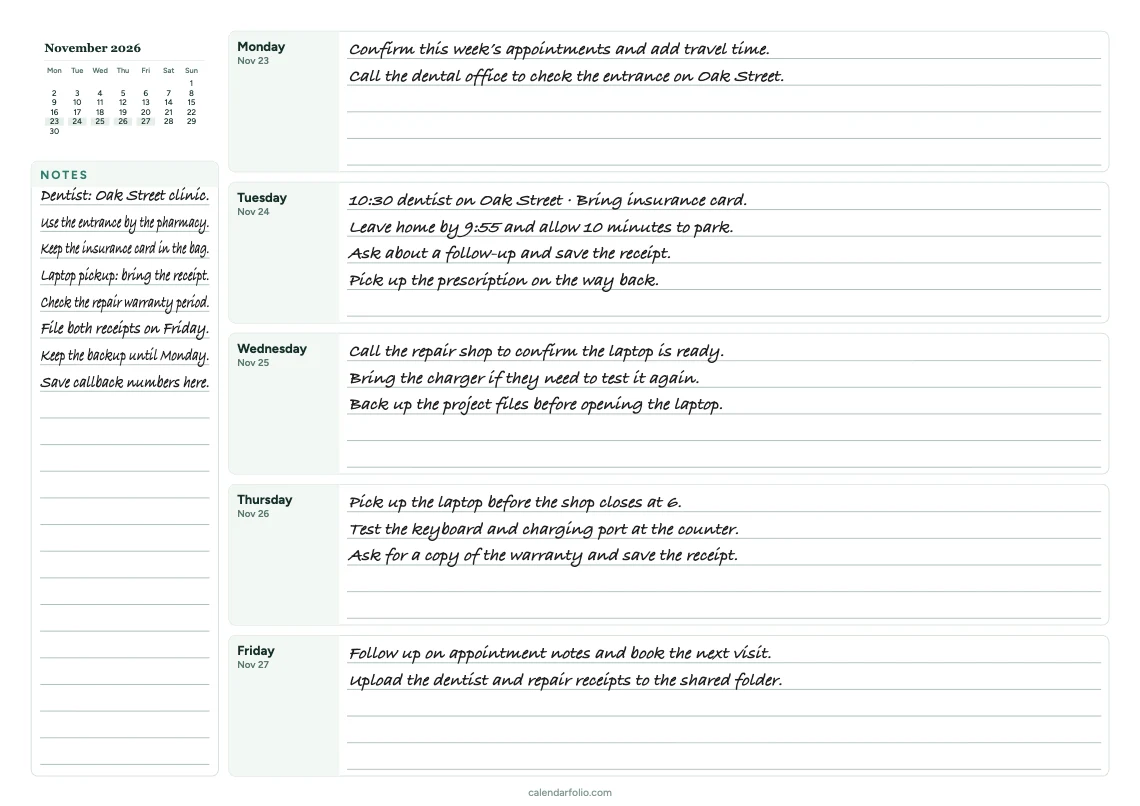
Use this for plans with details you need to see together. Write the whole appointment or errand across the row, then use the next line for any follow-up.

Try the week of appointments setup

Example: A workweek with appointments

Filled horizontal weekly planner showing a dentist appointment with its time, address and what to bring on one row.

Write the appointment time, location, and what to bring together on the same line.

Day Rows with Notes

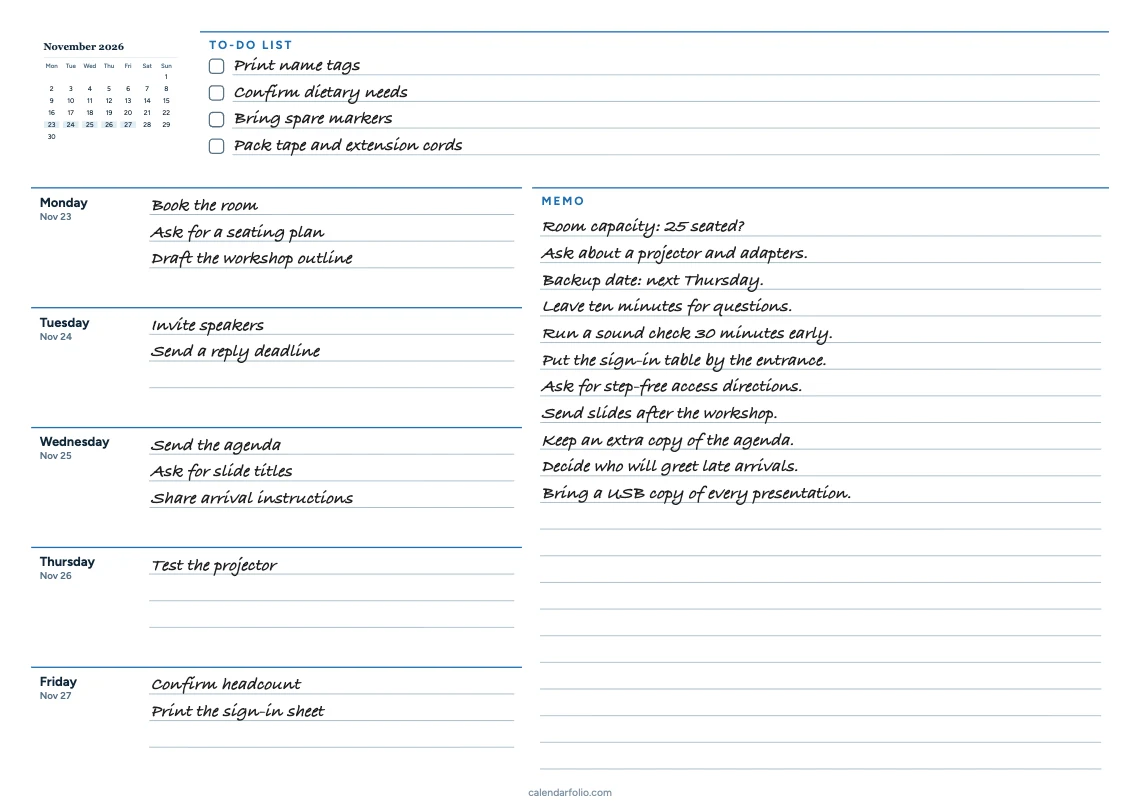
Use this when a project runs through the whole week. Put actions with a specific day on the left. Use the Memo area to keep questions and decisions together as the project develops.

Try the project planning setup

Example: Planning a workshop

Filled weekly planner with workshop actions on the left, open questions in the right memo area, and a shared checklist at the top.

Keep dated workshop tasks on the left and open questions about the venue in the Memo area.

Weekly planner FAQ

Can I print a planner without dates?

Yes. Leave Show dates set to No for a reusable page. You can still show the mini calendar for a month of your choice, or turn it off in Layout.

What is the difference between Compact weekend and Workweek?

Compact weekend keeps Saturday and Sunday with less writing space. Workweek displays Monday through Friday. Both start on Monday. Choose Full week if you want to start on Sunday.

Can I put a checklist below the mini calendar?

In Layout, select Mini calendar and To-do list, clear Notes, then choose a left or right sidebar. Mini calendar position decides which top corner the calendar and its checklist use.

Which file should I download for printing?

Choose PDF, select the size of the paper you will print on, and use landscape orientation. Choose PNG if you want to insert the planner as an image in a digital notebook.

What if I need to schedule appointments by the hour?

Use the Hourly Weekly Planner for a printed time scale or for time blocking. You can also write a start time alongside a task on any of these open layouts.

How do I leave space for hole punching?

In Export, choose a Binding edge to leave an extra margin on that side. Check the preview before downloading.